Since I was recently writing about it, I thought of sharing more on the topic of “describing pictures“.
It’s an activity* I sometimes use in the context of PET preparation. It might work for FCE as well, though in that exam photos are compared, rather than described. Something awkward about which quite rightfully Alex Case comments:
“Comparing two photos on your own for (exactly) one minute has to be the most unrealistic, pointless and random speaking task of all time. In the rare moments when we do talk about photos in real life, we certainly never compare them. Outside Cambridge exams, I doubt more than 0.1% of the world population have ever done such a thing in their whole lives.”
~ Alex Case, usingenglish.com
The requirement for this practice activity is that you, the teacher, have presented those useful expressions to identify, describe and point out objects, scenery and people in a picture: “at the back” “to the left” and so forth, plus the grammar that goes with it (essentially the present simple and continuous). Something that on your board might eventually look like this:
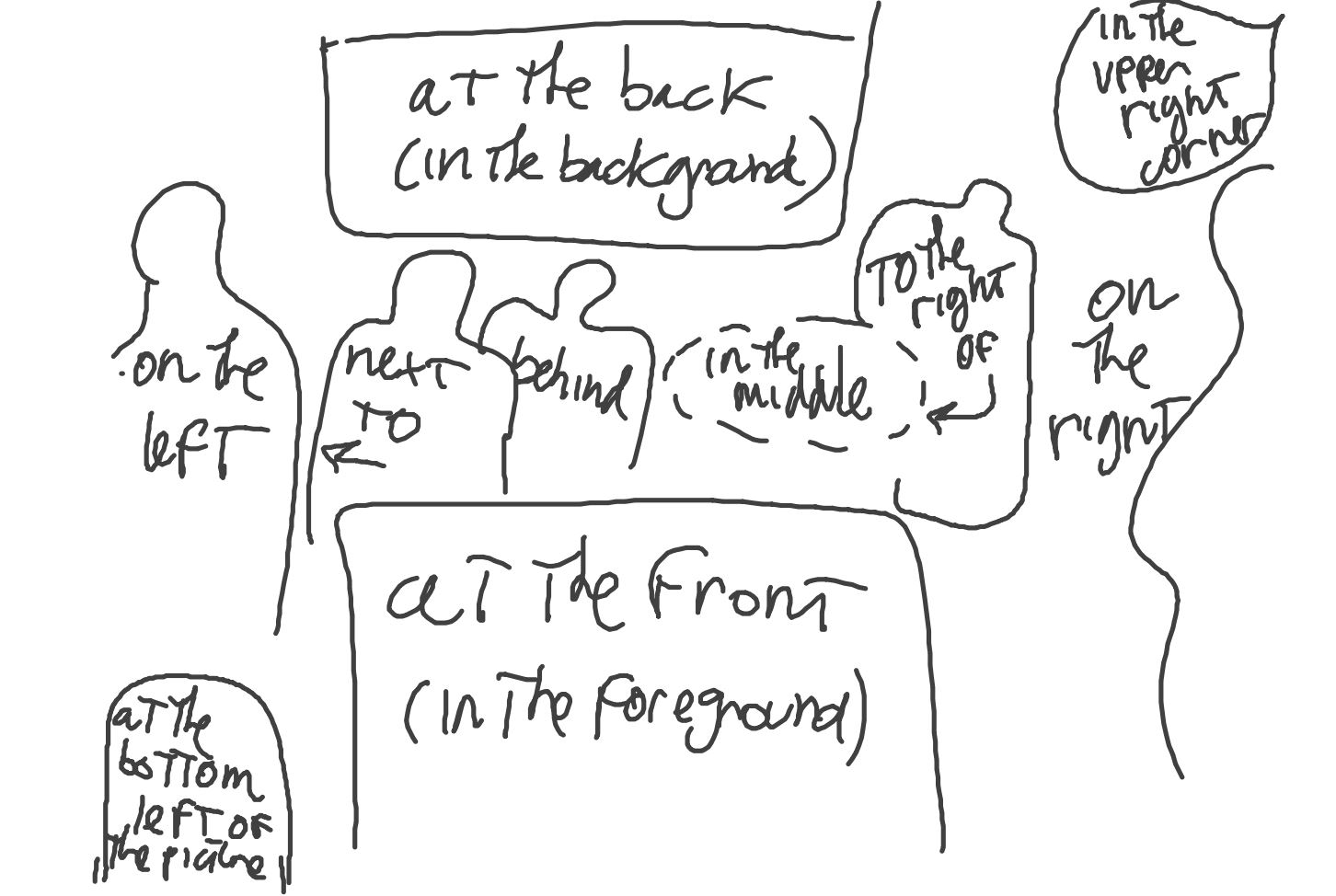
Now you probably want to give a chance to the students to practice all of it, plus as much vocabulary as the images carry with them.
As to the preparation for the lesson plan, all you need are very basic, yet essential, “Google image skills”. A projector or IWB are also needed. (Actually, none of this is “needed”, but you know what I mean.)
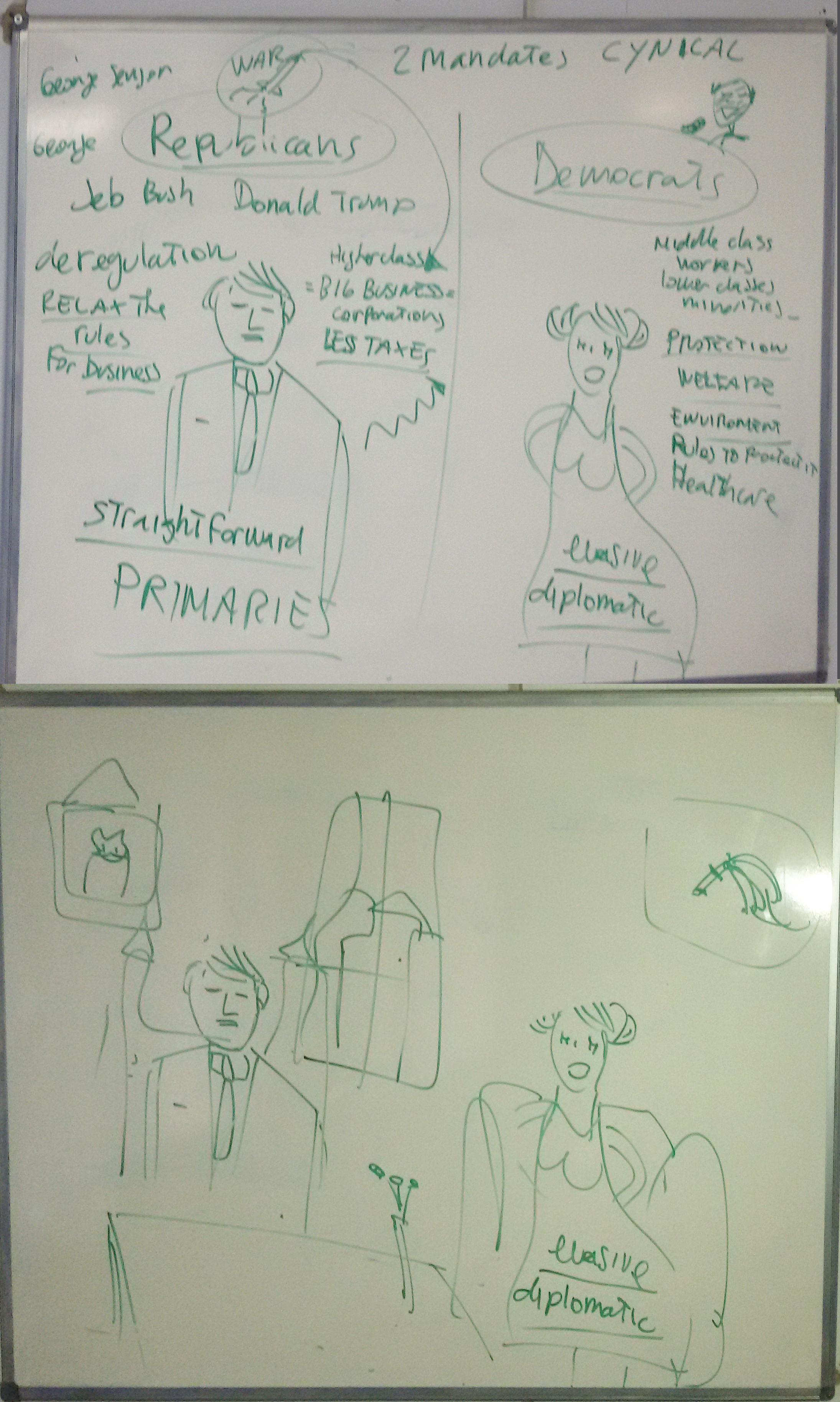
The class will be divided in pairs, or in groups of three. Just to introduce my simple instructions, I might show at first a picture like this one:
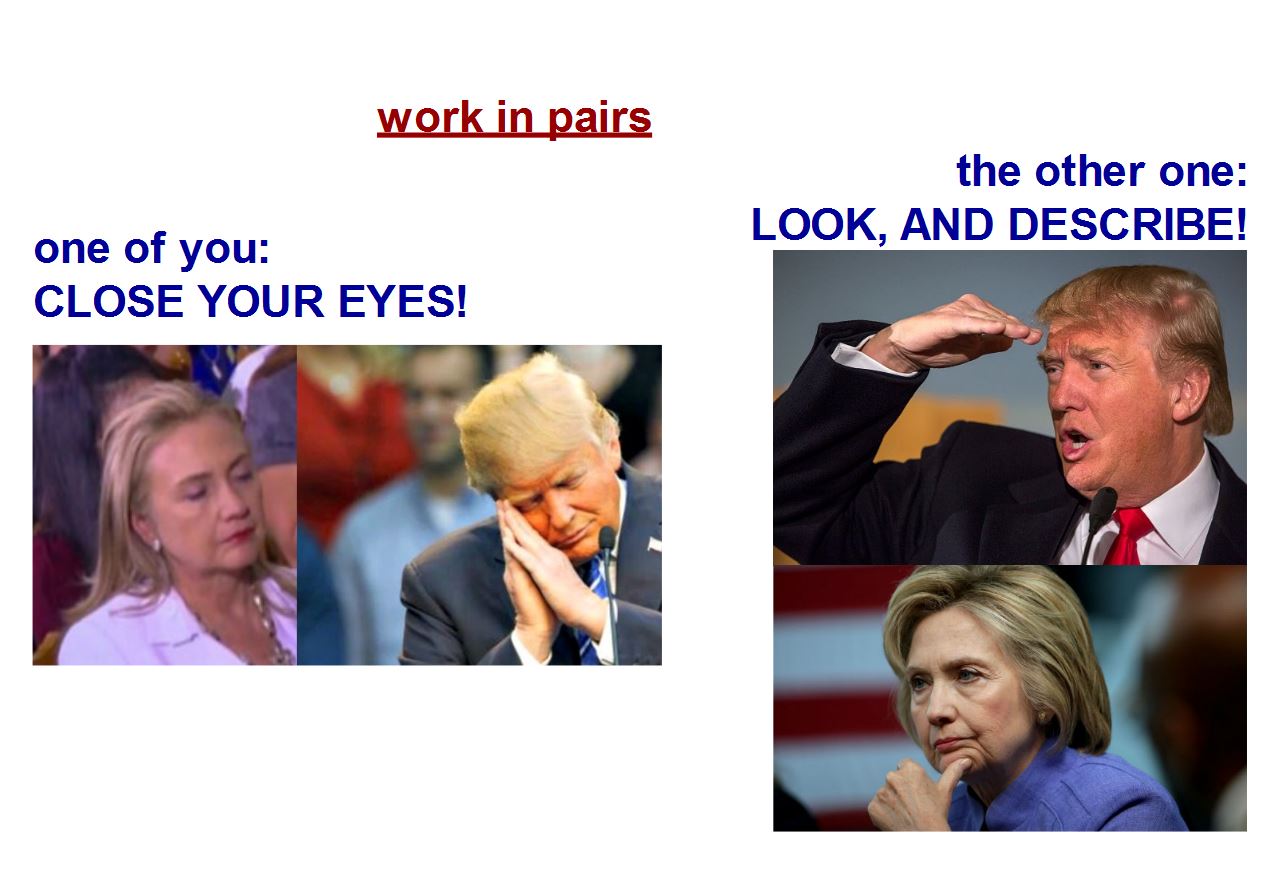
(The above wise collage is certainly not necessary…! I had Prince Charles and Queen Elizabeth in a previous version – if you go for something like this naturally you will want to keep it updated to something which, while being current, will also attract your students’ attention and raise at least an amused smirk.)
Alternatively to the closed eyes, the students who listen to the description could simply have their backs turned to the board. This might actually give your class more ease in focusing on the description and its content.
In any case, once you verify that there is only one student left in each group who can see the projected screen (and only then), turn to the next picture, which will be something you might have downloaded from Google. In this case the result of the Google search “child walking the dog on the beach“:
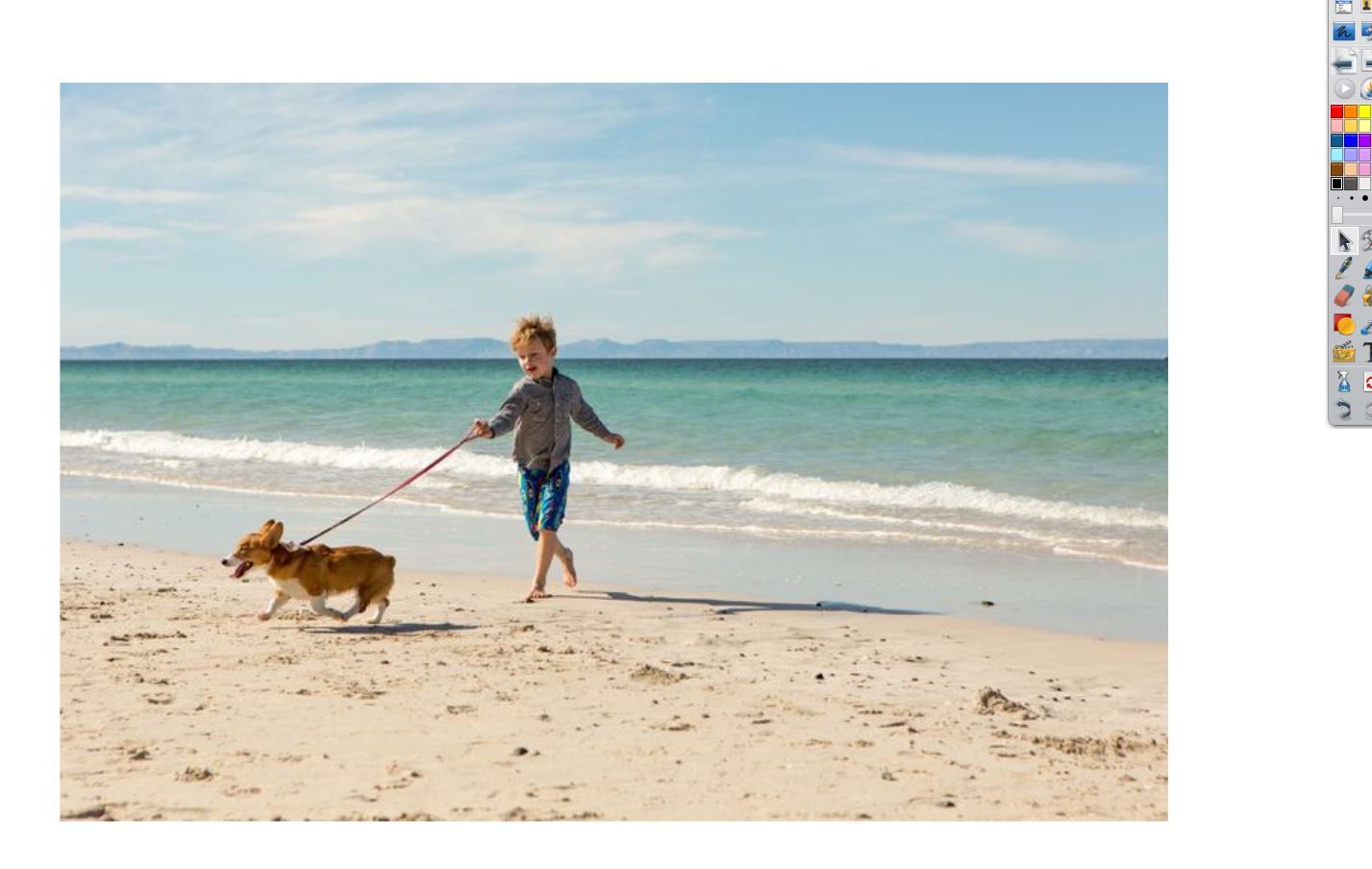
While in each group one student is describing it, the other ones try to visualize the picture in their mind. The above example is deliberately scarce in details, which makes it easier provided your students have the vocabulary they need. In this case: directions, clothes, the sand, the beach… They most certainly will not have the word ‘leash’, but will manage to paraphrase it nonetheless.
Generally speaking the choice of the picture is left to whatever you think is appropriate to raise interest or to challenge, shock or bother the students. Anything, essentially, they have words and enough motivation to describe.
The description can go on for five-six minutes… Once you feel the students have exhausted the things to say, it is possible to stop them and turn to the next slide. Then (and only then) you give instructions to the other students to open their eyes, or turn around facing the screen, to look at this:
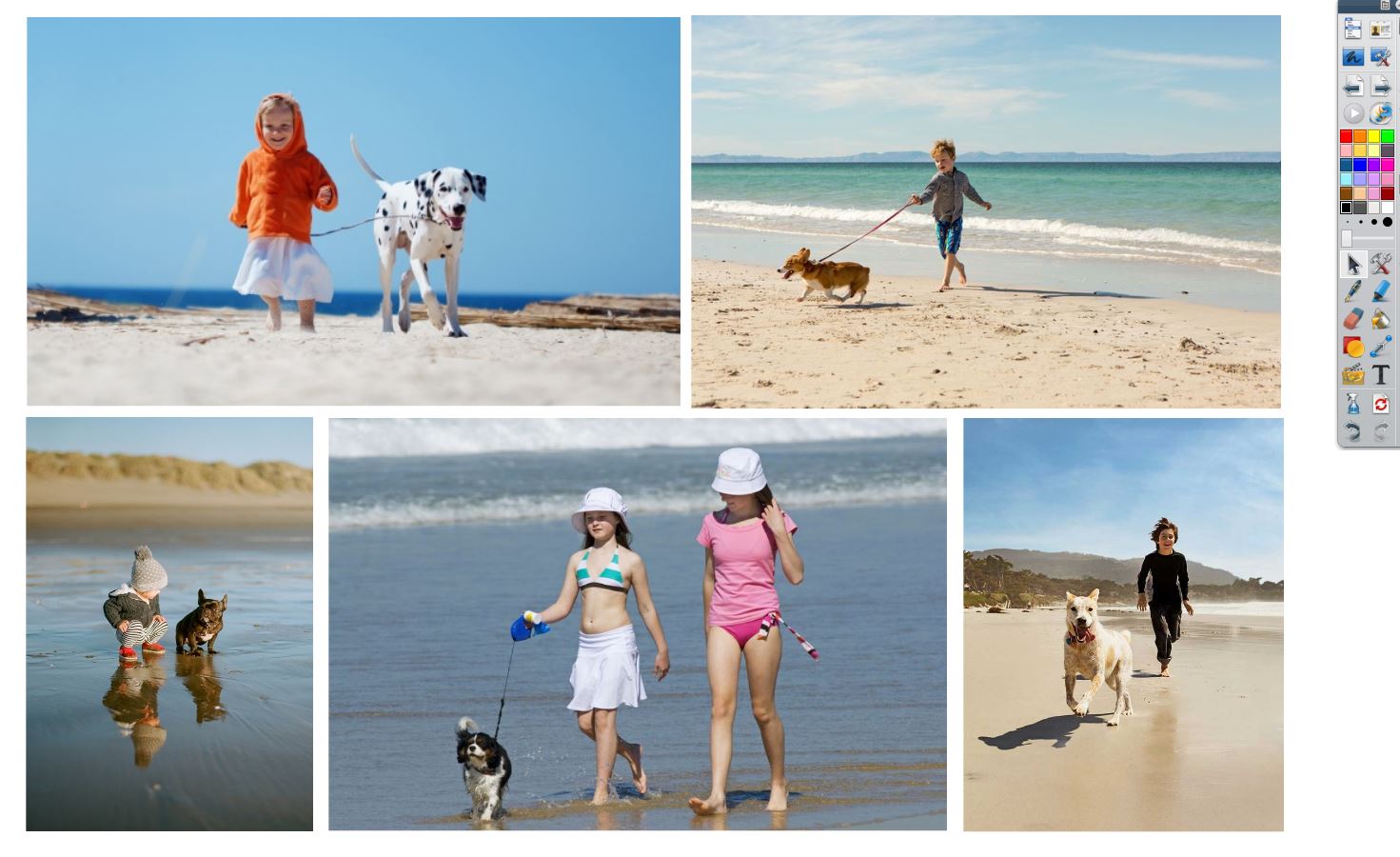
As you can see this is a set of pictures (including the one that has been described) which are quite similar to each other (how similar is your choice – more similar means more difficult).
The students who were not allowed to see the initial picture are at this point prompted to identify the picture that has just been described within the set.
Most of them will not find this very challenging, at least at first. The interesting thing about it is that, should they fail, this is most certainly because of language misuse. Definitely a good opportunity for the teacher to clarify uncertainties and correct mistakes, either on the spot (if crucial to the continuation of the activity) or during a delayed error correction.
As to the source of such similar images, it’s all done quite easily in Google. Here’s how:
- On the Google images result page, drag your picture of choice up into the search form at the top of the page, and drop it there (this is called Google Image reverse search; it is a life saver and it is amazing how many people still ignore its existence);
- Click on the “visually similar images” link that will show up.
The results might look something like this:
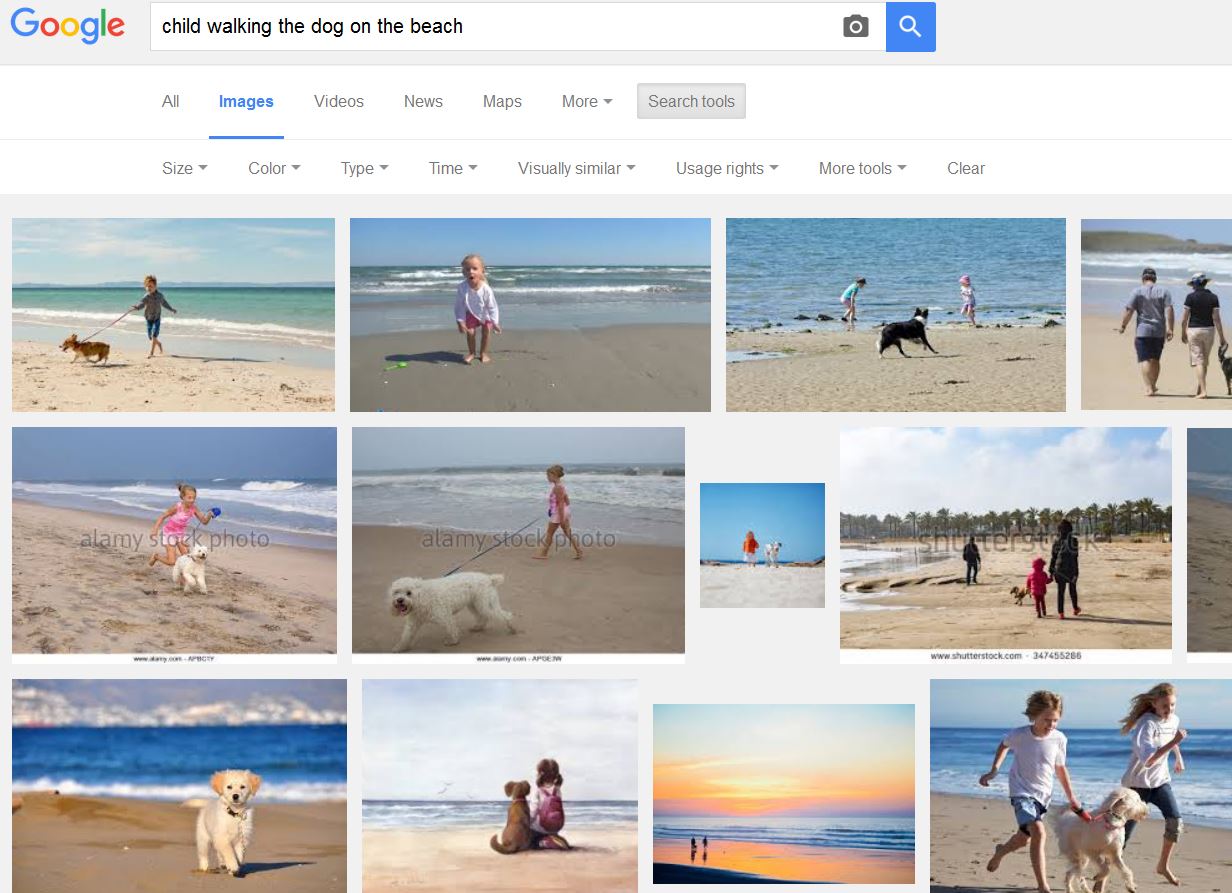
With a bit of scroll up and down you are bound to find images very similar to each other — and ideally suited for this teaching activity.
The practice goes on with more sets of pictures (giving a chance to everyone to be a describer or a listener) of increasing difficulty.
The last slide might require the students to identify one picture out of a set like this (also quite easily created from Google images, with a very quick search for “Piazza San Marco“):
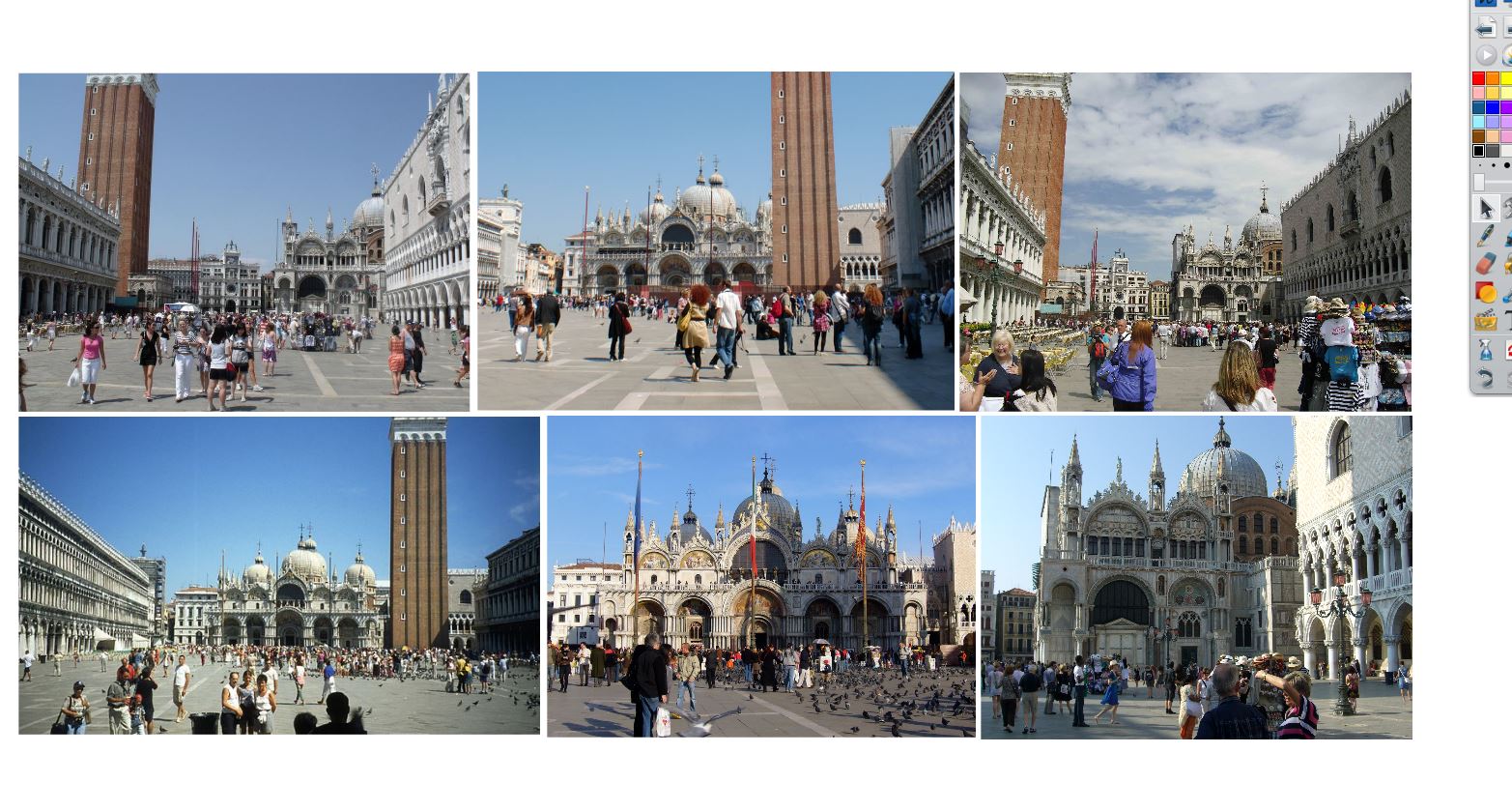
Here the “describers” need to be very detailed in their description; they need more vocabulary, and to have more imagination in the way they describe things. It is also much more challenging for the listeners, who have to visualize and remember a lot more.
This is about it, for this activity. As a follow up/cool down, you might want to ask the students to write down all the vocabulary they can recall from the various descriptions, and ask each other to add more to the list, and/or check the spelling.
I hope you will find this useful. If you are an “ActivInspire” user, you can download from here the demo of this lesson, which includes the slides shown above:
[wp-svg-icons icon=”libreoffice” wrap=”i”] guess-the-picture.flipchart
As a bonus, here’s a couple of variants for this activity:
- You show the full set of pictures directly to the describers, leaving to them the choice of which picture they want to describe. This is better (more freedom is always better), unless one or two of your pictures are really easy to identify.
- The listener will not sit there with their eyes closed. Instead, they will draw whatever is being described. You can prepare folded-up pieces of paper printed on the hidden side with the picture that is being described. At the end of the description the students can unfold the paper and have fun directly comparing the original image to the illustration of it they’ve just finished describing and drawing, pointing out differences and similarities.
I tried this several times using among other pictures “A Sunday Afternoon on the Island of La Grande Jatte” by Seurat. This was the fold-up page I would print:
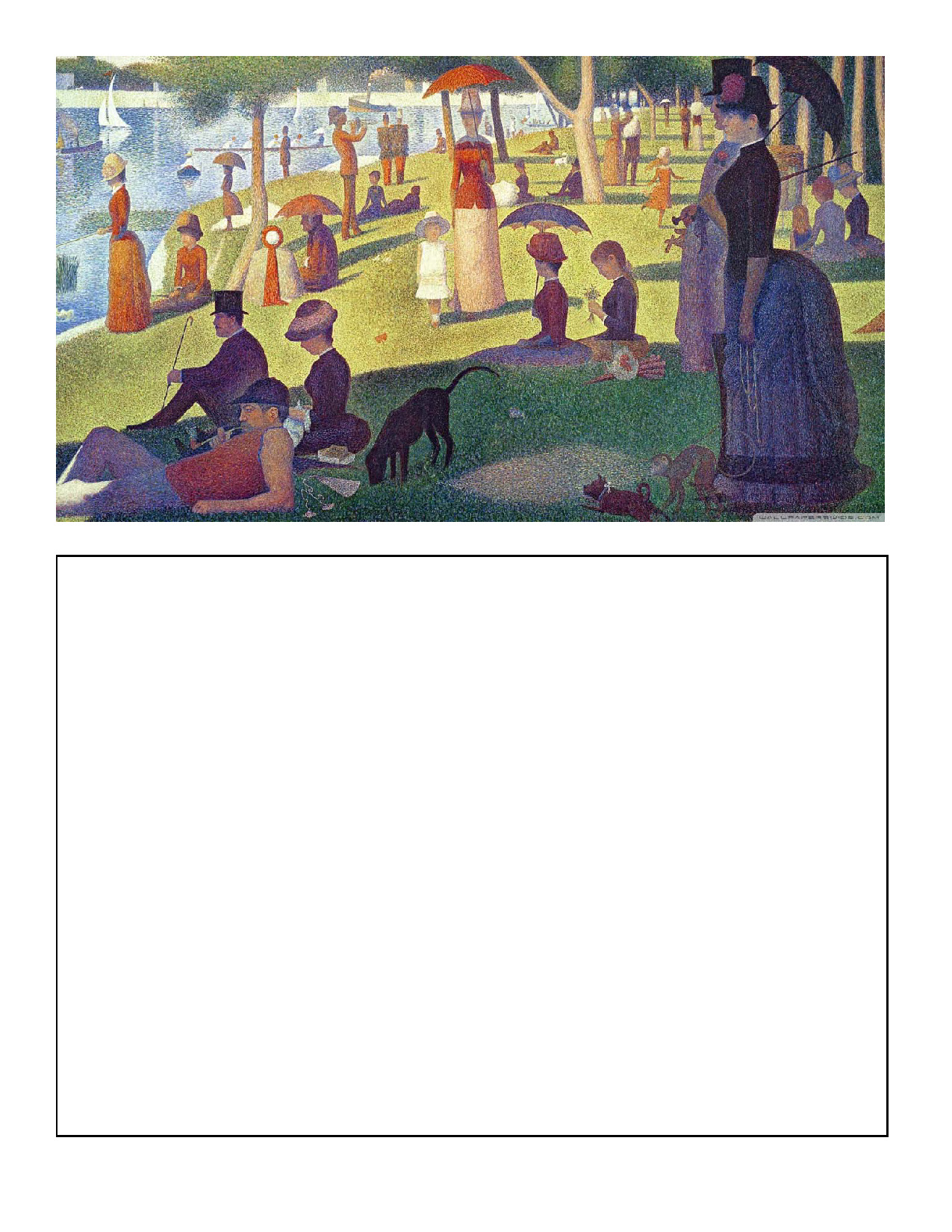
The students would draw in the blank space (sadly I haven’t digitized any of the samples from my lessons, all quite funny and some really artistic in their own way) and unfold it afterwards, revealing the actual painting by Seurat.
In my experience a task like this never fails to entertain students, while bringing them to use a lot of pertinent language. In fact it stands on its own as a “describe-draw-chat” activity, without the further challenge of identifying the picture in a set.
* Needless to say, I haven’t “invented” this activity! In fact I first heard about something like this during a Professional Development Day session at IH, from someone who had heard it in a course where a tutor had heard it from… well whoever thought of this before them is lost in the teaching sands of time, way back when Google didn’t exist yet.